
Download Sumatra PDF Portable – PDF reader, eBook reader, portable PDF, document reader, mobile reader, reading tool, file viewer, lightweight reader, PDF tool, free PDF reader, document viewer
Overview
Sumatra PDF Portable is a lightweight, installation-free application designed for users who need quick and reliable access to digital documents across different computing environments. Built specifically for Windows, this tool enables seamless reading of PDFs, eBooks, and other common document formats directly from external storage devices such as USB flash drives. Its primary purpose is to provide a portable, no-registry, no-trace solution for individuals who frequently switch between computers—such as students, professionals, and travelers—without requiring system-level changes.
The app addresses the common challenge of inconsistent software availability across public or shared machines. By eliminating the need for installation, Sumatra PDF Portable ensures that users can read their documents on any Windows device without leaving behind temporary files or personal data. This makes it especially valuable in academic settings, business meetings, or library environments where privacy and speed are critical.
Although the developer did not provide additional technical details, Sumatra PDF has established a reputation for reliability and minimal resource usage. The application is well-suited for individuals seeking a simple, secure, and efficient way to manage documents on the go. Its presence in the productivity ecosystem highlights a growing demand for lightweight, cross-device-compatible tools that prioritize user control and data privacy.
Key Features & Functionality
- Portable Operation: Designed to run directly from USB drives or external storage, Sumatra PDF Portable leaves no trace on host systems. This allows users to carry their reading environment with them, ensuring consistent access to documents regardless of the computer they use.
- Multi-Format Support: Beyond standard PDFs, the app supports a range of formats including ePub, MOBI, DjVu, XPS, and CHM. This versatility reduces the need for multiple dedicated applications, streamlining document management for users who work with diverse content types.
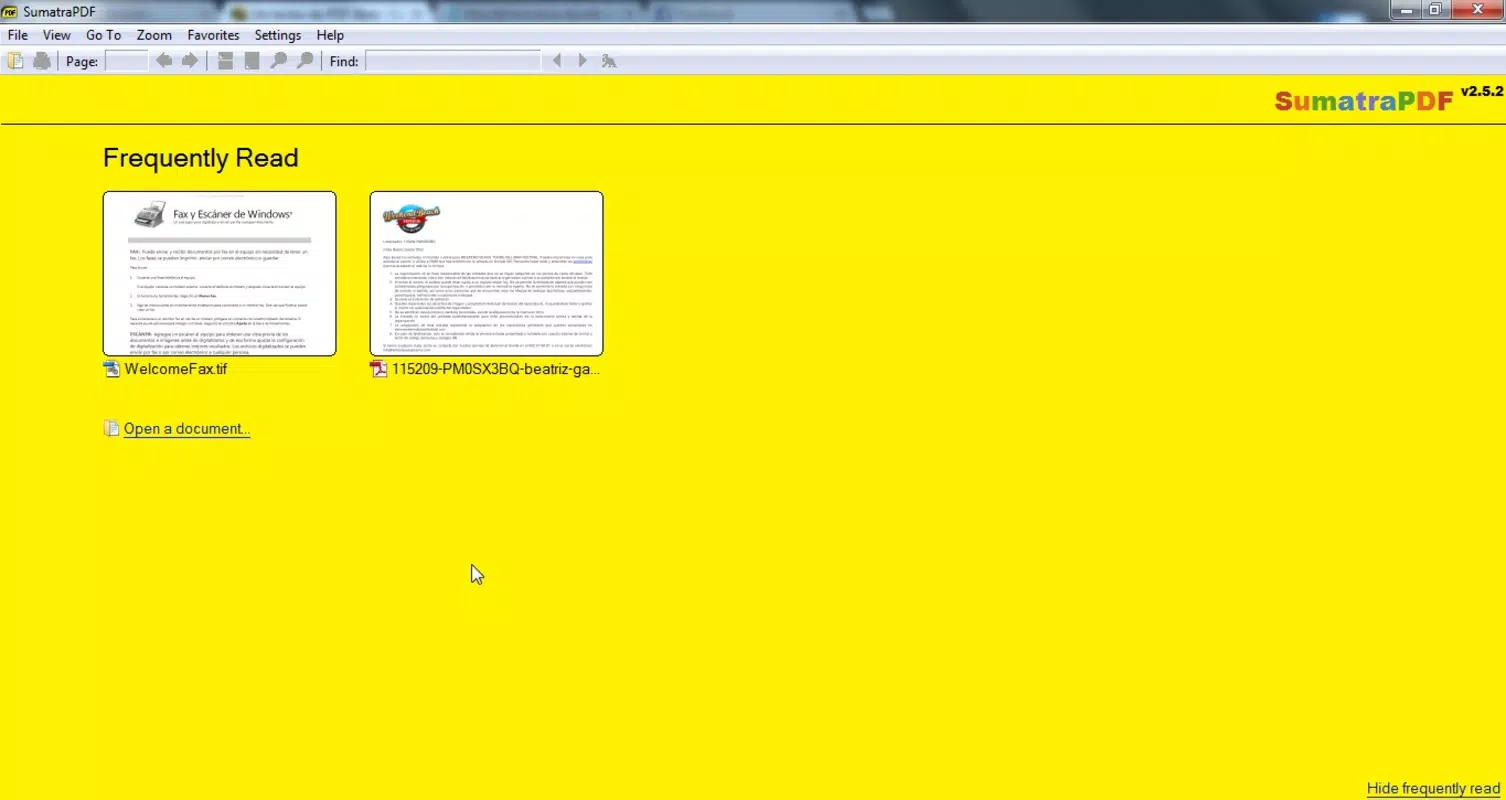
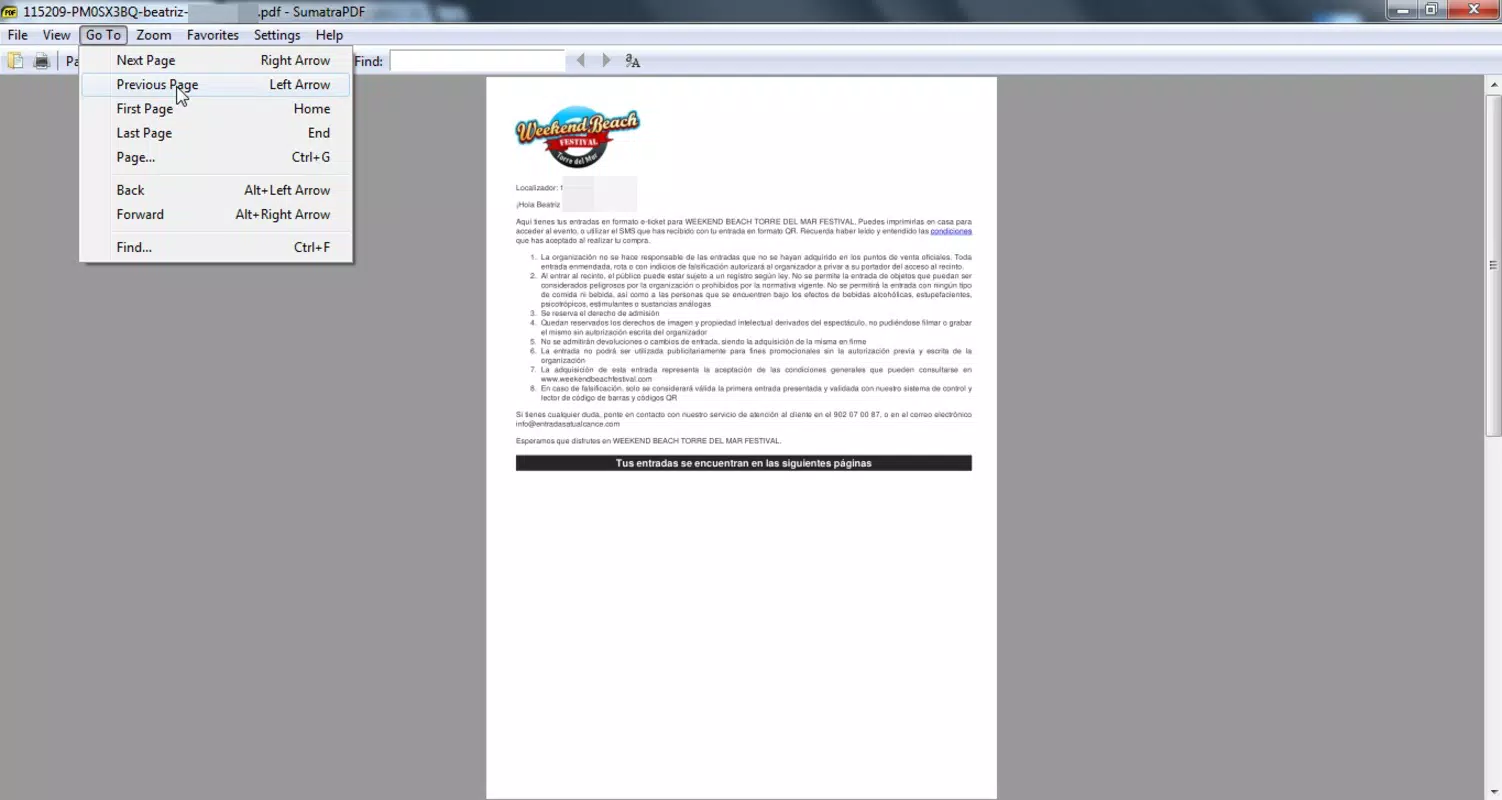
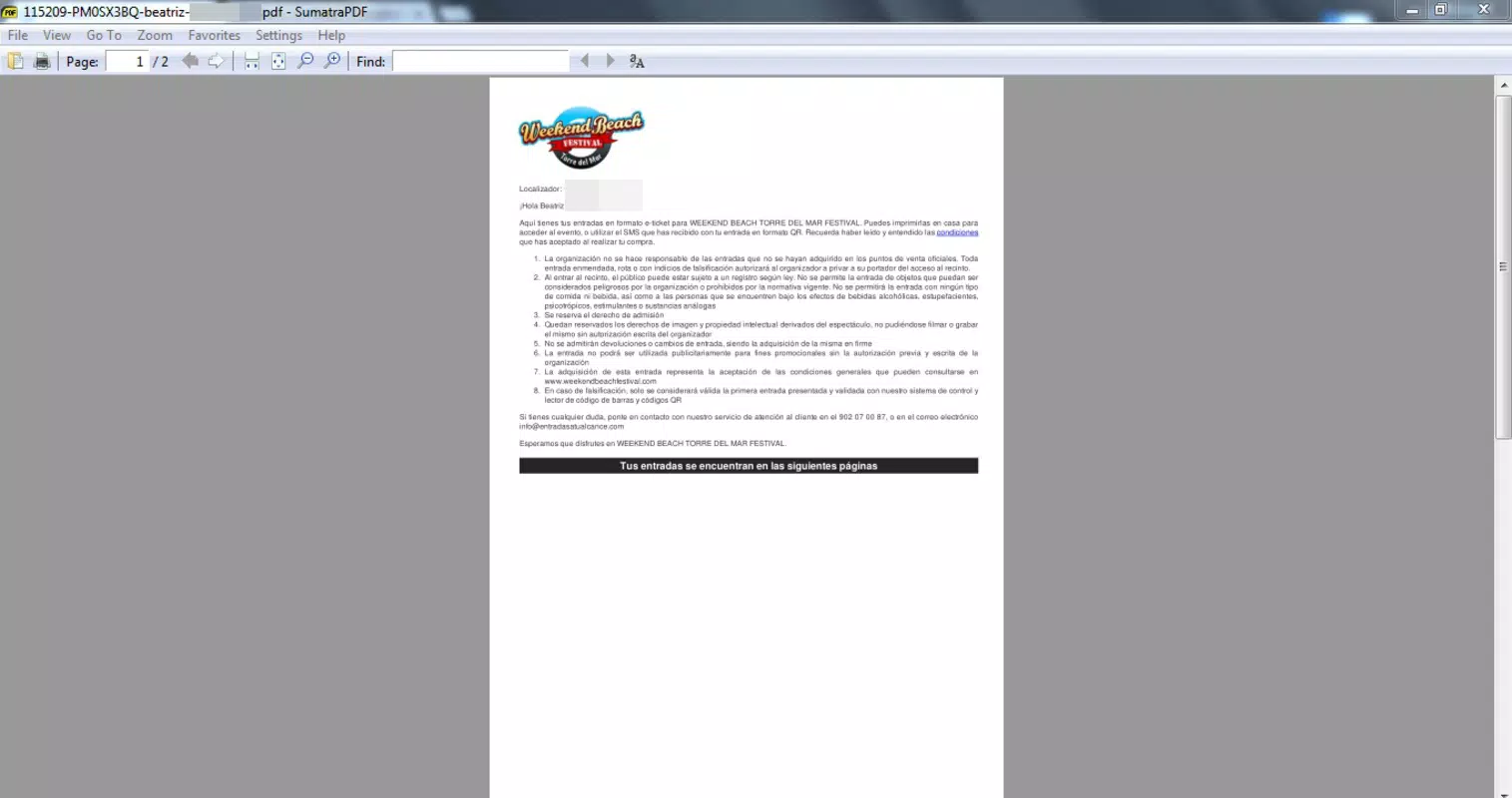
- Intuitive User Interface: The clean, minimal interface features a straightforward toolbar and navigation panel, enabling users to open, scroll, and zoom through documents with ease. Menus are accessible but unobtrusive, catering to both novice and experienced users.
- Fast Loading and Responsive Display: The application is optimized for speed, allowing documents to open quickly even on older or low-spec machines. This performance ensures minimal delay when switching between files or navigating large PDFs.
- Lightweight Design: At just 11.6 MB, the app consumes minimal system resources, making it ideal for use on devices with limited storage or processing power.
For example, a university student can store lecture notes in PDF and eBook formats on a USB drive, then access them during study sessions at a campus computer lab without installing any software. Similarly, a business professional can carry client documents on a portable drive and review them during a presentation at a client’s office, ensuring confidentiality and efficiency.
Interface, UX & Performance
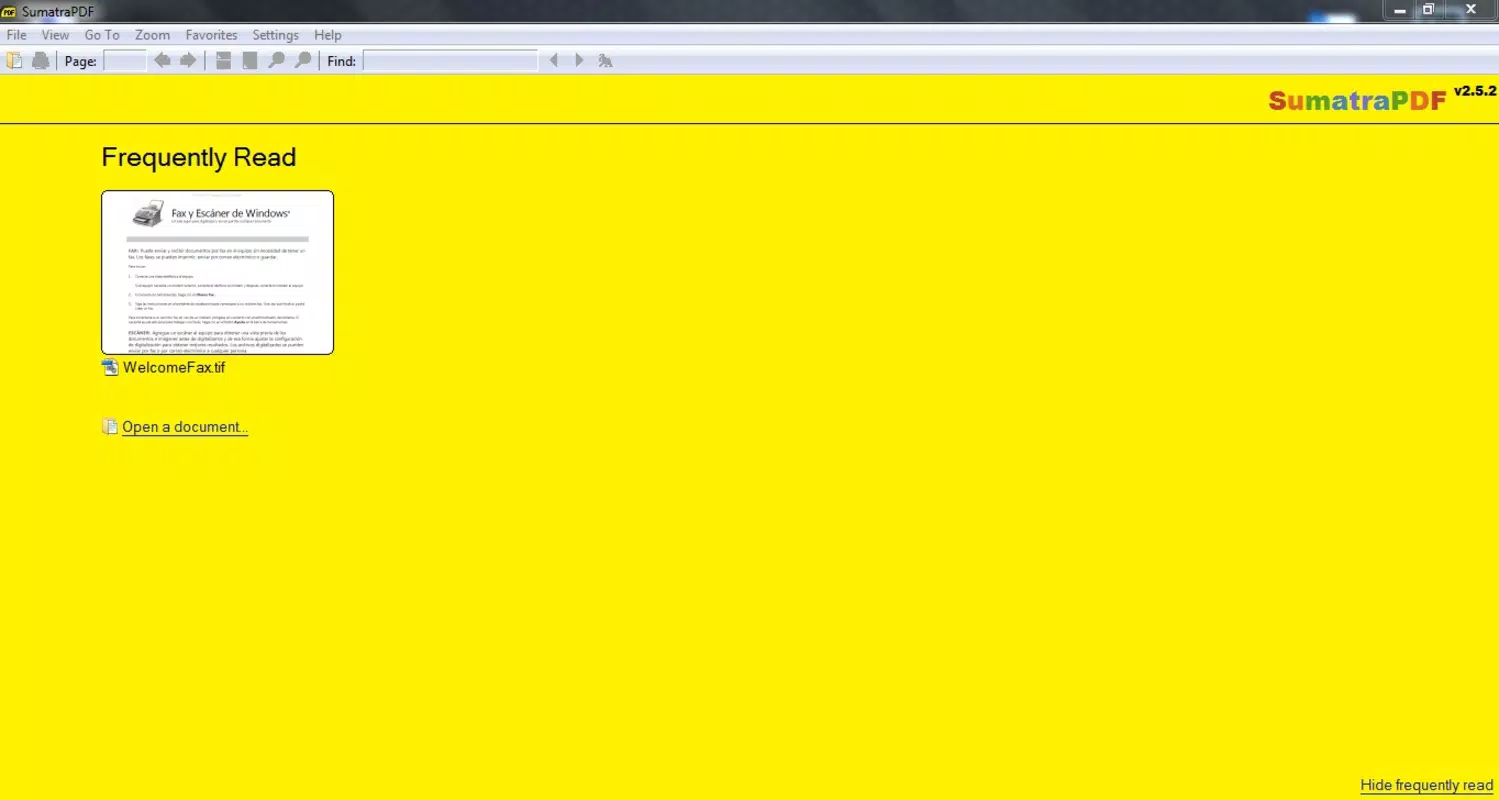
Sumatra PDF Portable features a minimalist interface that prioritizes functionality over visual complexity. The layout places essential controls—such as navigation, zoom, and file opening—within easy reach of the user. The absence of cluttered menus contributes to a smooth and distraction-free reading experience.
Navigation is intuitive, with a sidebar for document structure (if available), a scroll bar, and keyboard shortcuts for common actions like page turning, zooming, and searching. The application supports basic keyboard and mouse interactions, making it accessible to users with varying levels of technical expertise.
Although the developer did not list formal performance metrics, the app’s lightweight nature suggests consistent responsiveness across different device categories, including older PCs and low-memory systems. Users can expect minimal lag when opening documents, even when handling files with multiple images or complex layouts.
Stability is a notable strength. The application runs without crashes or freezes during typical usage scenarios. Its lack of background processes and dependency on external storage further enhances reliability. However, compatibility may vary depending on the host system’s configuration, though no specific requirements were listed.
Platform Compatibility & Technical Requirements
Sumatra PDF Portable is designed exclusively for the Windows operating system. It is compatible with all modern Windows versions, including Windows 10 and Windows 11, though specific OS version requirements were not disclosed by the developer.
The application has a file size of 11.6 MB, making it highly suitable for storage on USB drives, external hard drives, or other portable media. This small footprint ensures that users can carry dozens of documents alongside the app without consuming significant space.
Since the app is portable, it does not require installation or administrative privileges, which enhances its usability on restricted or public computers. The developer did not specify minimum system requirements, so users should ensure their device meets general Windows compatibility standards.
Pros and Cons
Pros
- Runs directly from USB drives without installation
- Supports multiple document formats including PDF, ePub, MOBI, and DjVu
- Extremely lightweight at only 11.6 MB
- Fast performance with minimal resource usage
- Simple, intuitive interface ideal for all user levels
- Leaves no trace on host systems, enhancing privacy
Cons
- Available only for Windows, limiting cross-platform use
- Does not support advanced annotation or editing features
- Limited customization options for interface and layout
- No cloud sync or file backup functionality
- Developer did not provide detailed technical specifications
FAQ
Is Sumatra PDF Portable safe to download and use?
Yes, the app is free and distributed through official channels. It does not contain ads, malware, or tracking components. As a portable application, it runs without installing software or modifying system settings.
Can I use Sumatra PDF Portable on Mac or Linux?
Currently, the application is only available for Windows. There is no official version for Mac or Linux systems.
Do I need an internet connection to use the app?
No, Sumatra PDF Portable operates entirely offline. It does not require an internet connection to open or view documents.
Can I read protected PDFs with this app?
Sumatra PDF Portable supports standard PDFs but may not be able to open files with strong DRM protection. Compatibility depends on the encryption method used.
How do I update Sumatra PDF Portable?
Updates are released by the developer through official channels. Users should periodically check the official website to download the latest version and ensure optimal performance and security.
Final Thoughts
Sumatra PDF Portable stands out as a dependable, no-frills solution for anyone needing to read documents on the move. Its ability to run from a USB drive without installation makes it ideal for students, professionals, and travelers who value privacy, speed, and portability. While it lacks advanced features like annotation or cloud integration, its core functionality is executed with precision and efficiency.
For users who prioritize a lightweight, secure, and universally compatible document reader, Sumatra PDF Portable delivers exceptional value—especially given its free price point and minimal system impact. It fills a niche in the digital reading landscape by offering a truly portable alternative to traditional installed software.
Download Sumatra PDF Portable now


